Attribute Manager for Blender v1.1 Release Note
✨ New Features Overview
🔹 Face Corner Mode
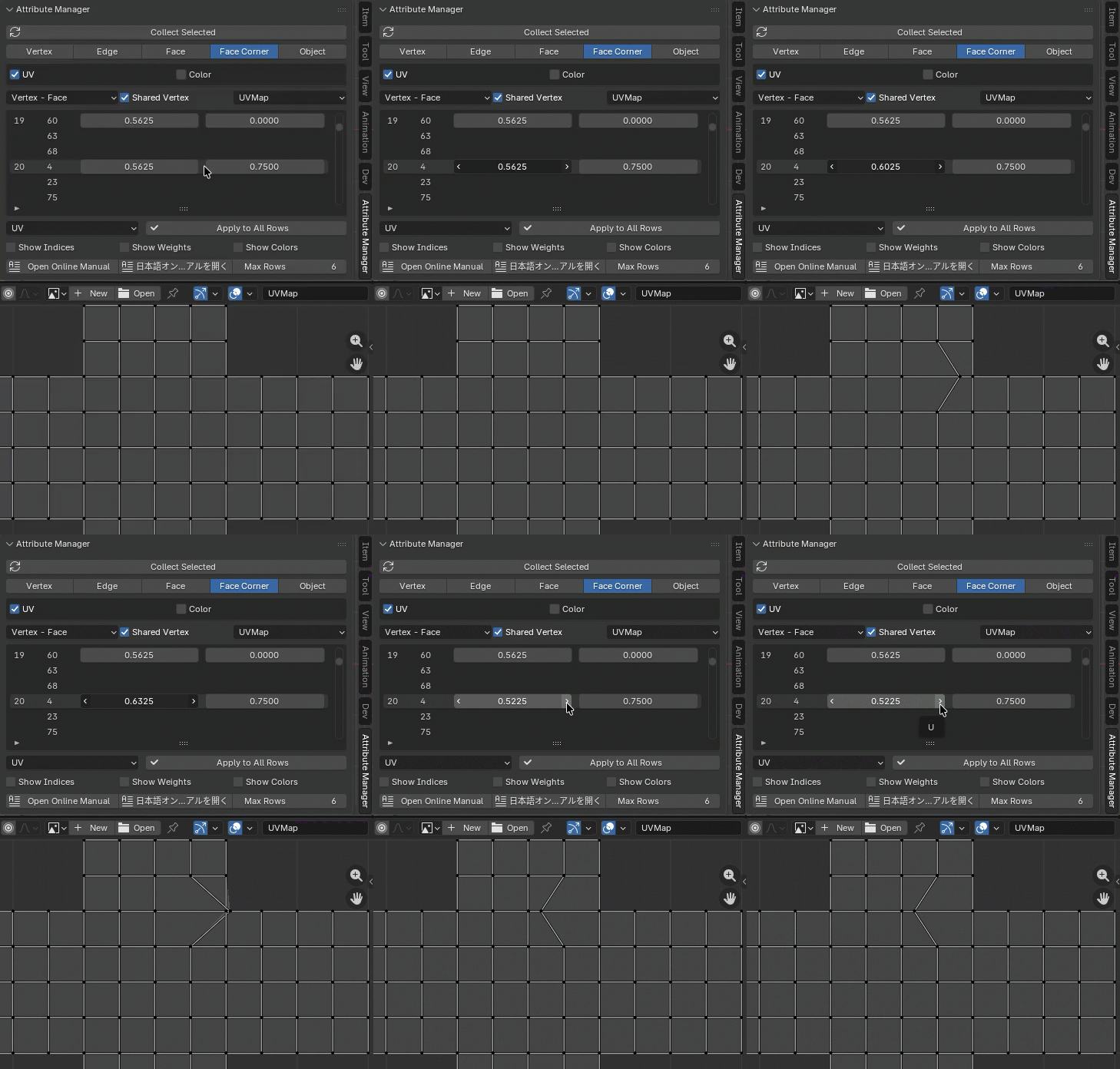
Face Corner Mode is a mode for editing data that belongs to face corners, such as UV and Color Attribute (CORNER). The edit table displays the values of the selected face corner in the order of the face and the vertices that make up the face, or the order of the vertex and the face linked to that vertex. When Shared Vertex is enabled, you can simultaneously edit the values of face corners that have the same value at the same vertex.
Relative Mode for Shape Keys
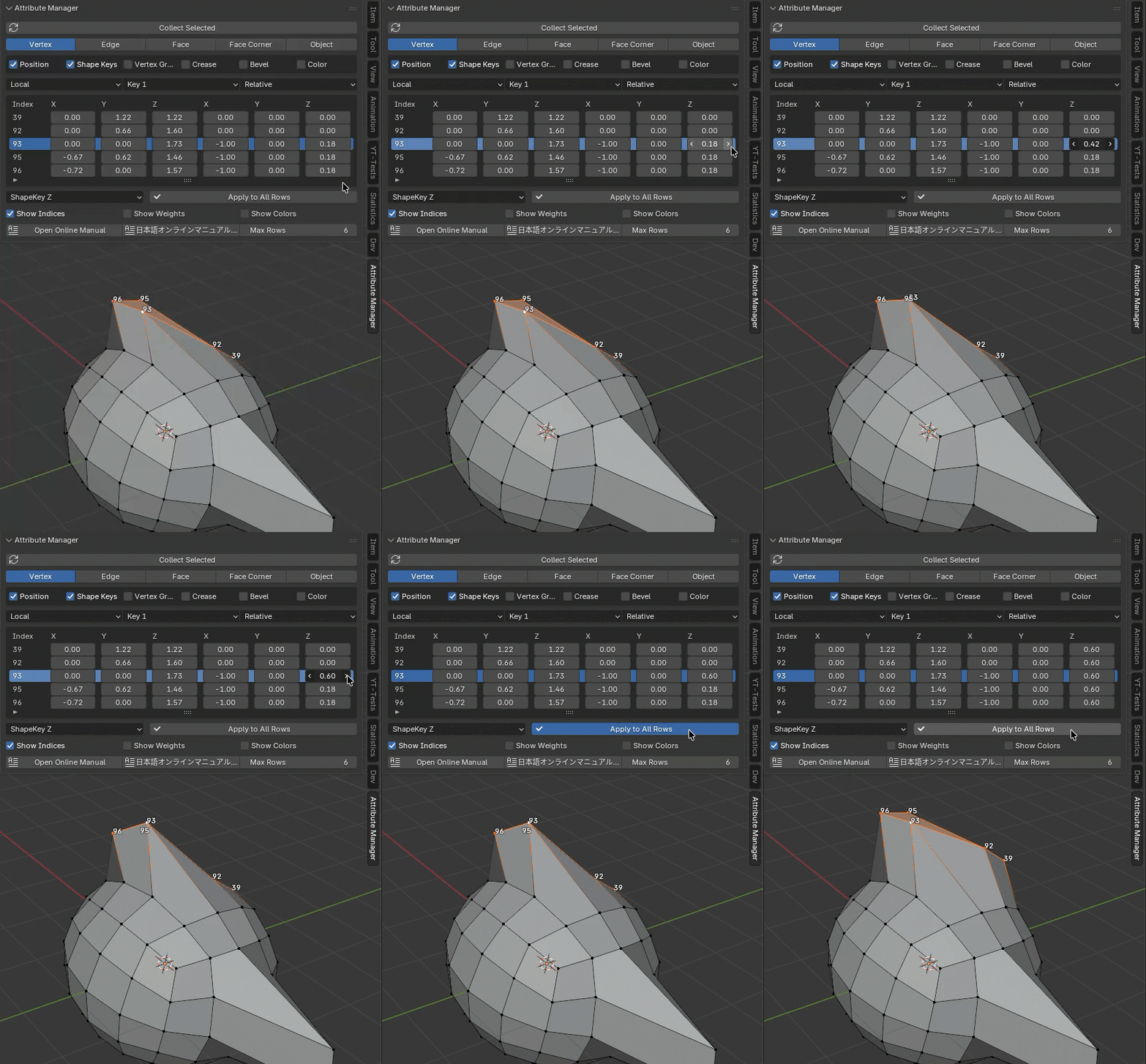
When Shape Key mode is set to Relative, coordinate values are displayed relative to the Base key. This mode is useful when you want to add a relative offset value.
Color Attribute
Now Vertex mode and Face Coner support editting Color Attribute (POINT, CORNER). Show Colors enables drawing vertex colors on 3D View.
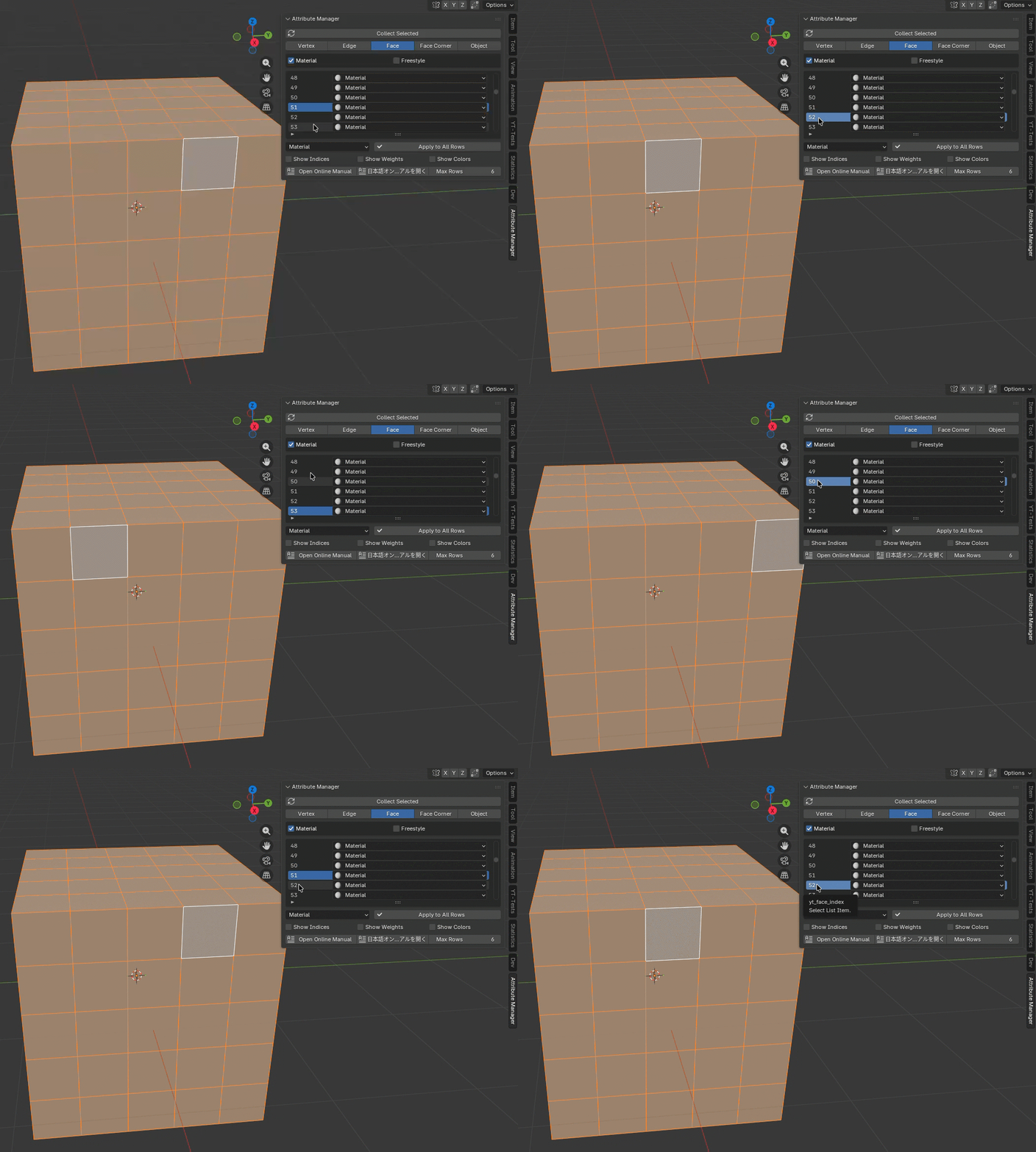
Current Row sets Active Element
When you select a row, the element in that row will be set as the active element.